Your school uses Reclass
Download the app to see your classes, check in with your QR code, keep track of your sessions and pay your invoices.
Get into the app
Your school created your account
Sign in with the email and password your school gave you. That's it.
You have a school code
Sign up as a student and enter your school's code. You're in as soon as the school approves you.
Checking in to class
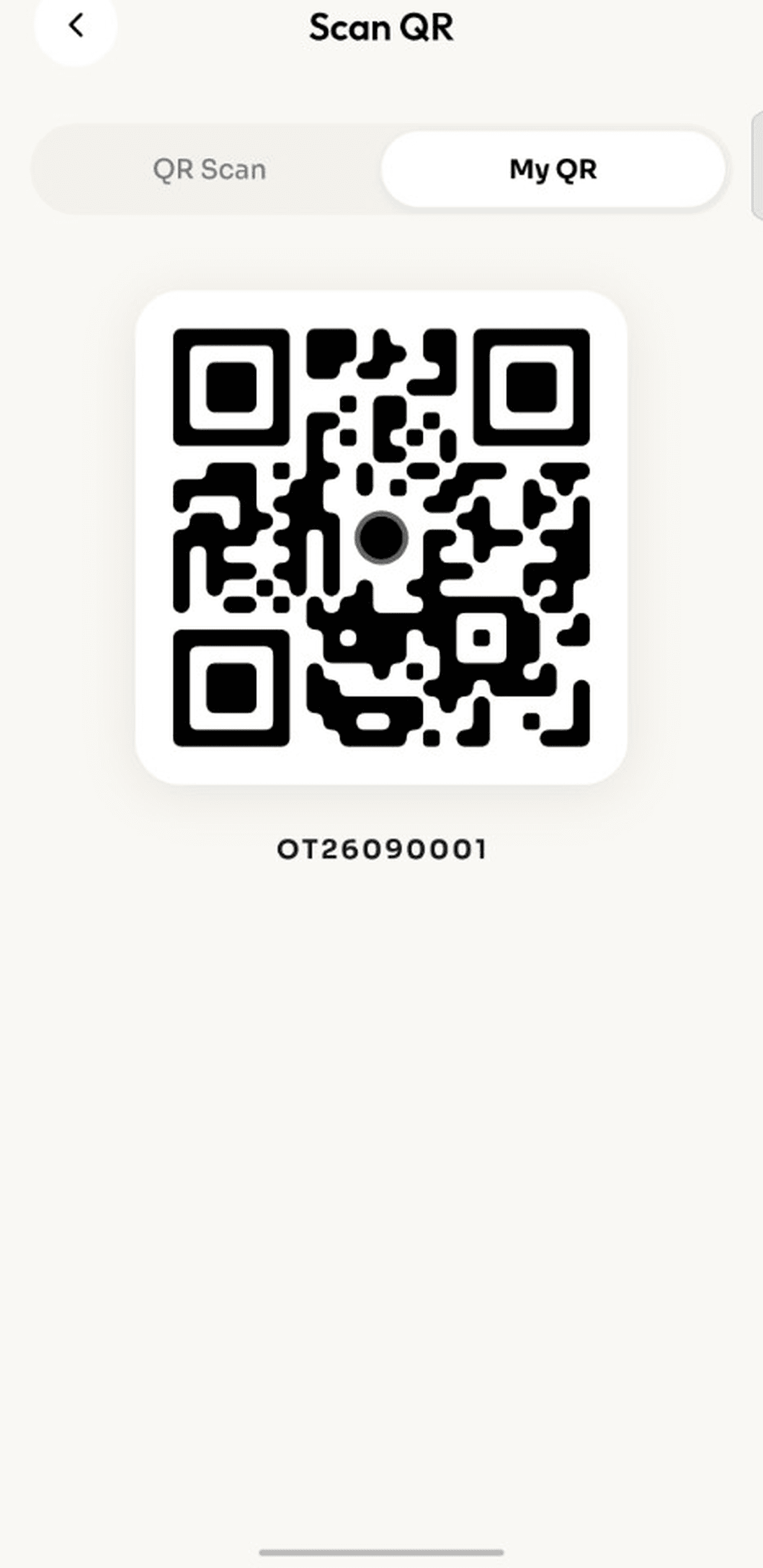
Show your code
Tap Show my student code on Home and hold it up to your teacher's phone.
Or scan the school's QR
If your school has a QR code by the door, tap the scan button on Home and point it at the code.
What you'll find in the app
Your schedule
Upcoming classes, with a reminder before each one.
Your session credits
How many sessions you have left, always up to date.
Your invoices
What's due and when, with a PDF you can share.
Your attendance
The classes you've been to, and when.
Common questions
I forgot my password
Tap Forgot password on the sign-in screen, or ask your school to reset it for you.
My join request is still pending
Your school has to approve you first. Let them know you've signed up.
I don't have a phone
That's fine. Your teacher can mark your attendance by hand.
Run tomorrow's classes on Reclass.
Download the app, create your school and share the code with your teachers.