Attendance in one scan
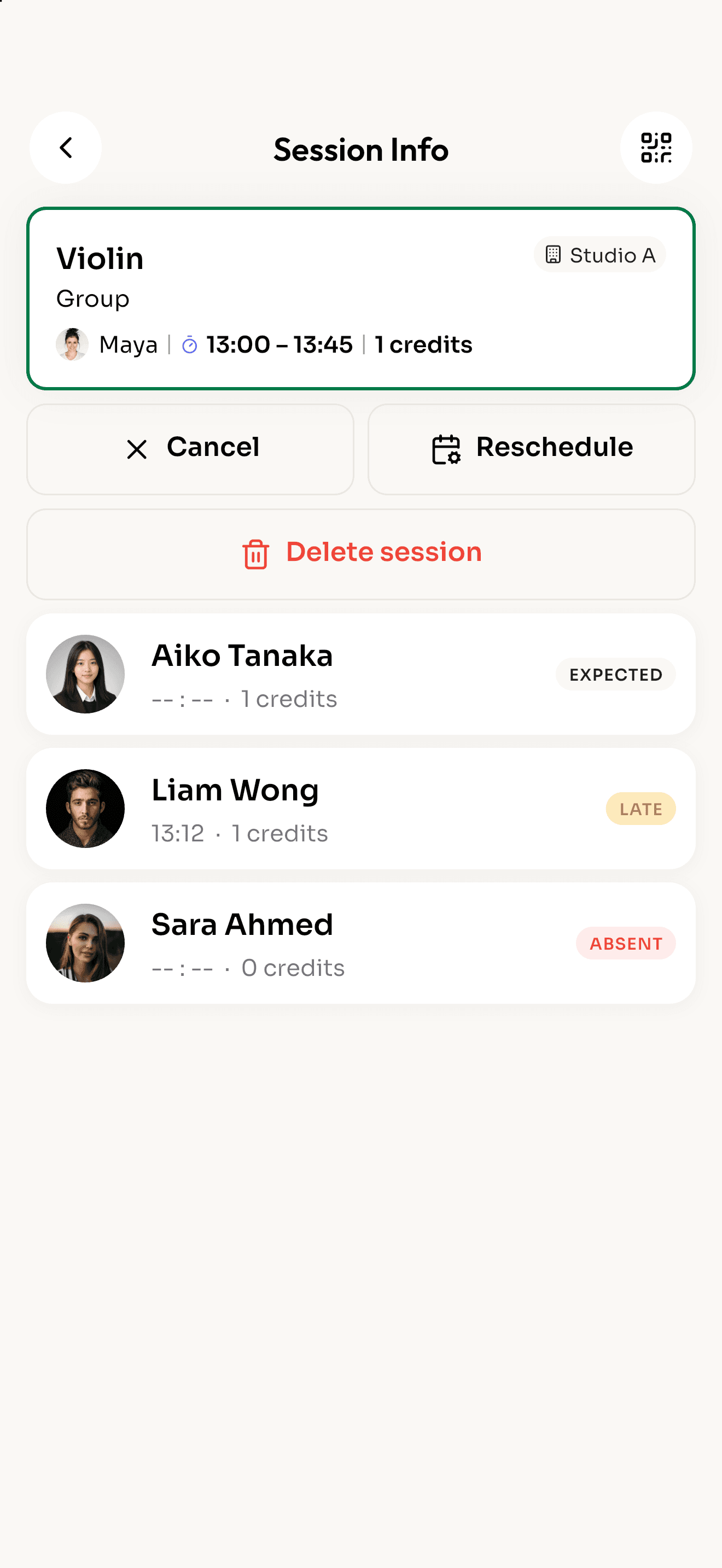
Students show their QR code, or scan yours at the door. Reclass marks them present, works out who was late, and updates their session credits.
How it works
- 1
Open the session
Tap Scan QR on Home, or open the class from your schedule.
- 2
Scan the student
Point the camera at the student's personal QR code. A check confirms it right away.
- 3
Done
The student is marked present and one session credit is used. Late arrivals are marked for you.
Everything attendance needs
Self check-in with your school QR
Print the school QR and put it by the door. Students scan it with their own phone when class is open.
On time or late, worked out for you
Reclass compares the check-in time with the session and your late grace period. Nobody has to decide.
Mark by hand when needed
No phone? Teachers can mark a student present or absent from the session in one tap.
Live count for the whole school
Admins see how many students have arrived across every class, as it happens.
Credits stay in sync
Each check-in uses the session's credits, so balances are always right.
Reminders before class
Students get a push reminder about 30 minutes before their session.
More features
Run tomorrow's classes on Reclass.
Download the app, create your school and share the code with your teachers.