Take attendance with a scan
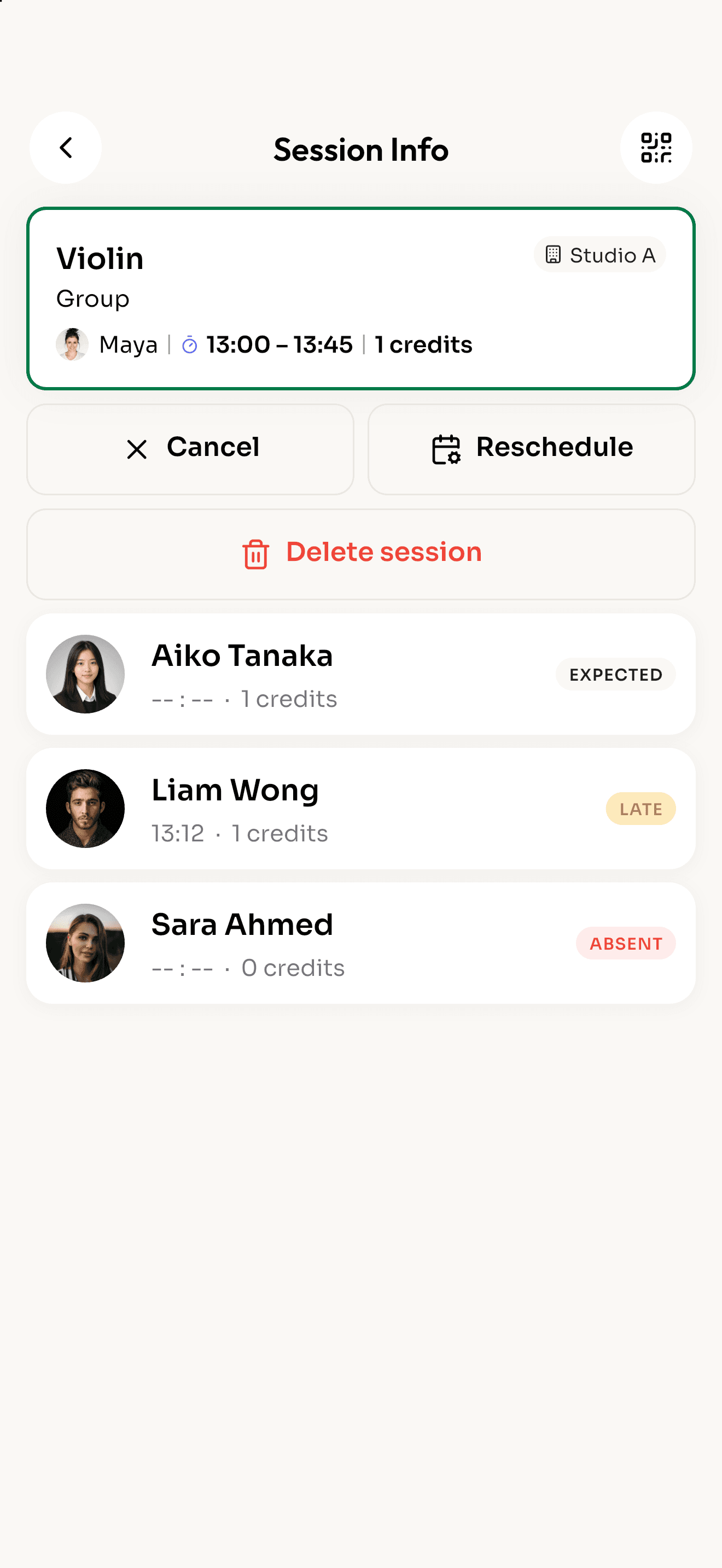
Tap Scan QR and point it at a student's code. They're checked in instantly, and late arrivals are marked for you.
Learn more: Take attendance with a scanReclass runs the day at your studio, tutoring center or small school. Schedules, QR check-in, session credits and tuition invoices, in one app.
Free to download for iPhone, iPad and Android.
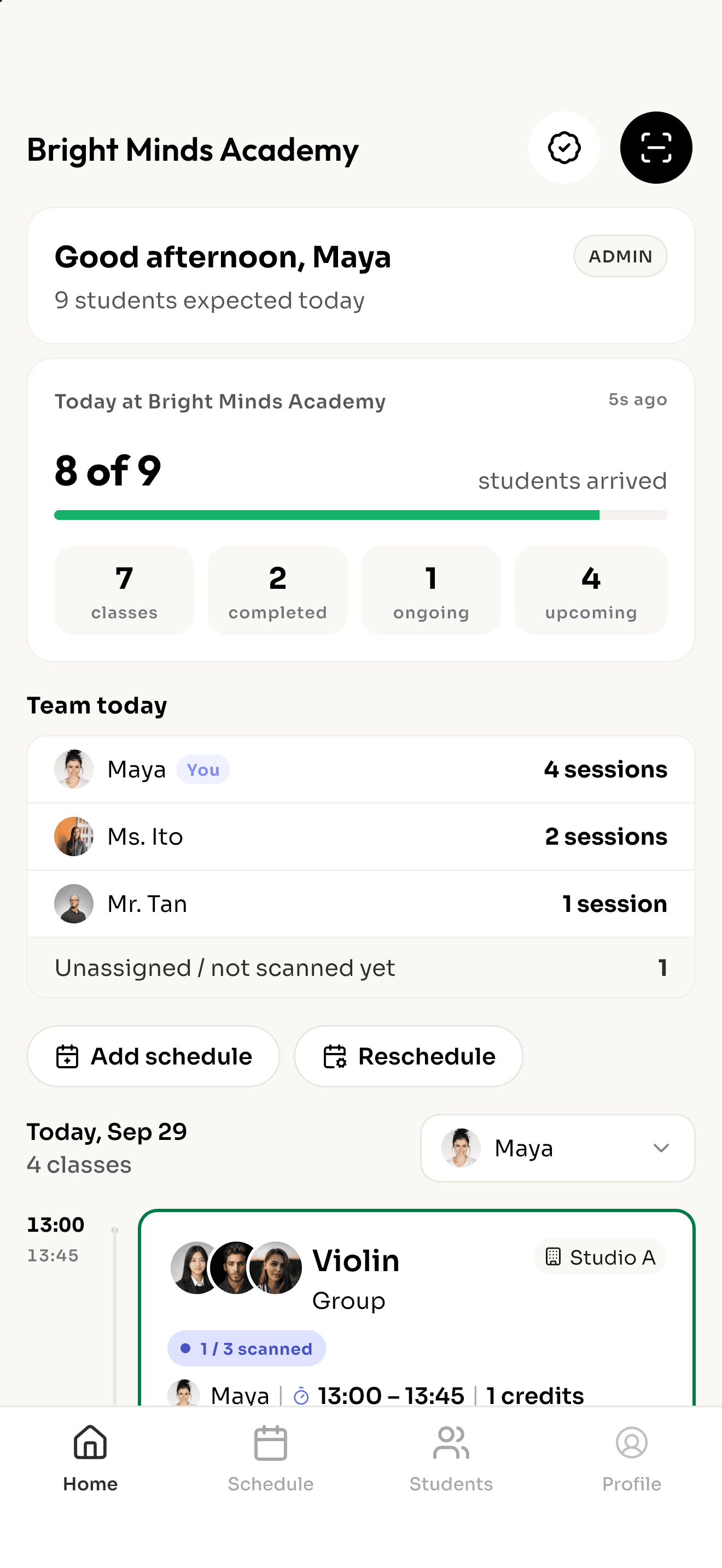
0 of 9
students arrived
13:00
13:45
Violin
Group
14:00
15:00
Mandarin
Group
15:30
16:15
Math tutoring
Private
If you run classes on a timetable and need to know who showed up and who has paid, Reclass fits.
Music studios
Private lessons and ensembles
Language schools
Levels, groups and makeup classes
Tutoring centers
Subjects, packages and progress
Sports and dance
Coaching blocks and open sessions
Tap Scan QR and point it at a student's code. They're checked in instantly, and late arrivals are marked for you.
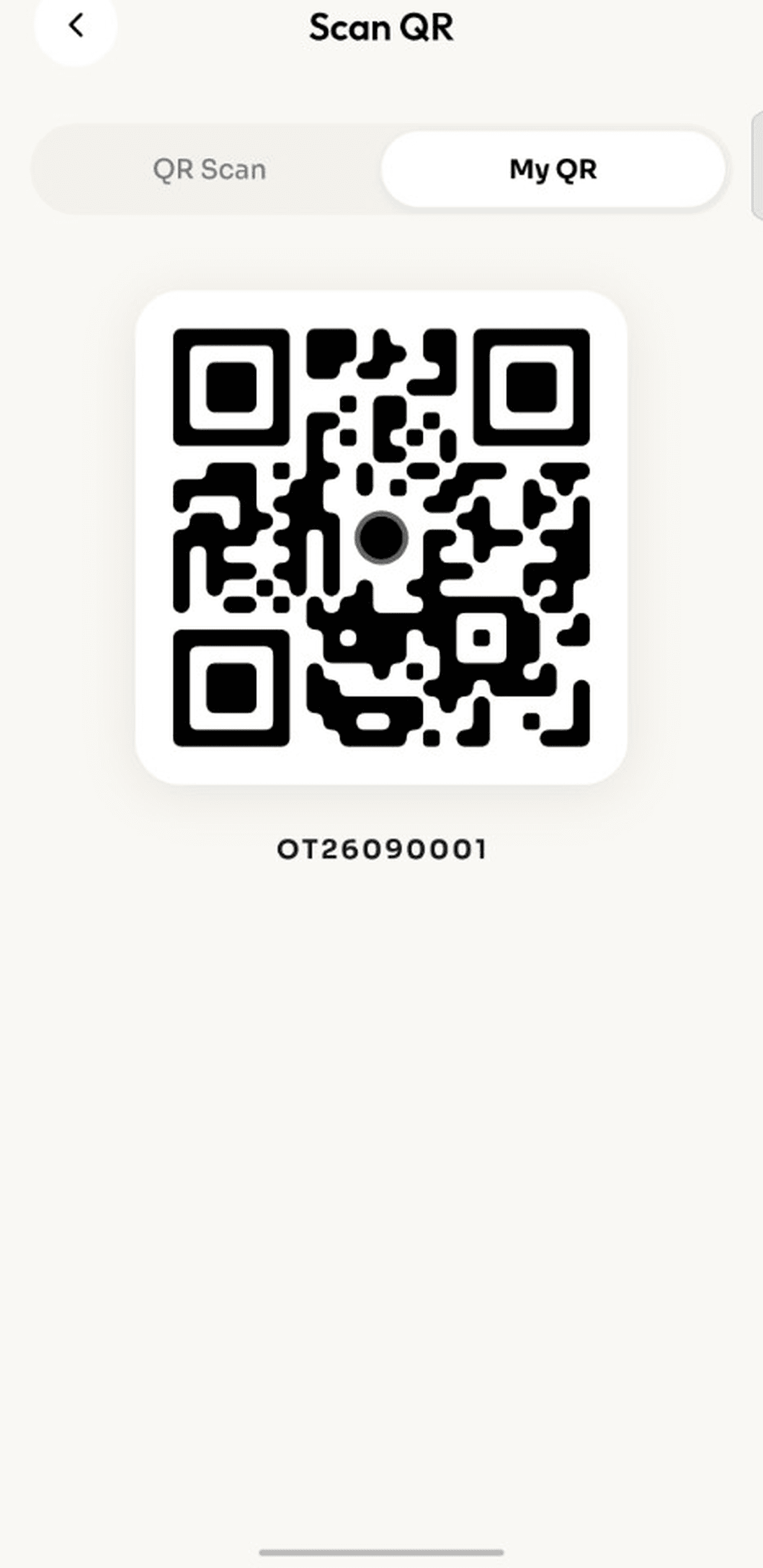
Learn more: Take attendance with a scanPrint your school QR and put it by the door. Students scan it with their own phone when they arrive.
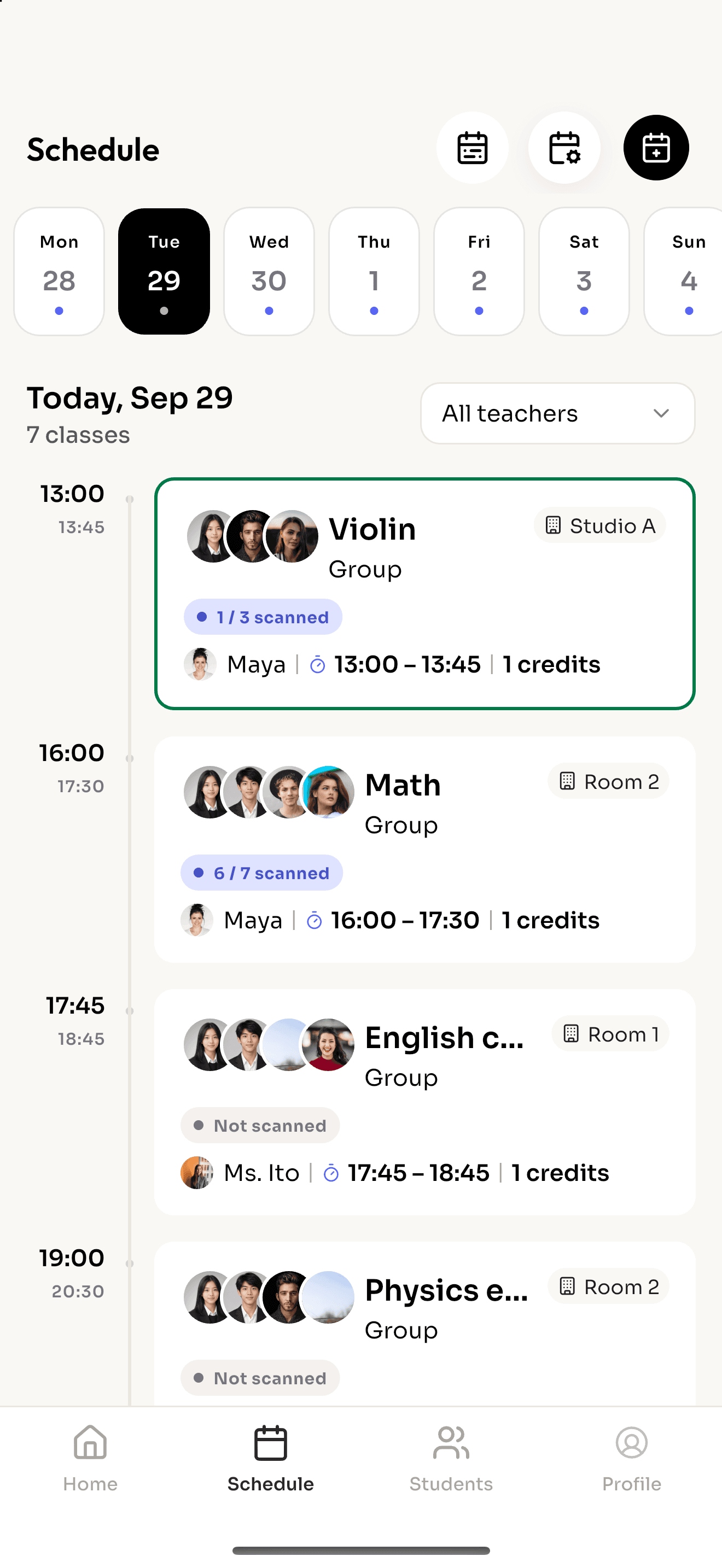
Learn more: Or let students check themselves inSet each class up once as a weekly rule. Reclass fills in the dates, and you can move or cancel one lesson without touching the rest.
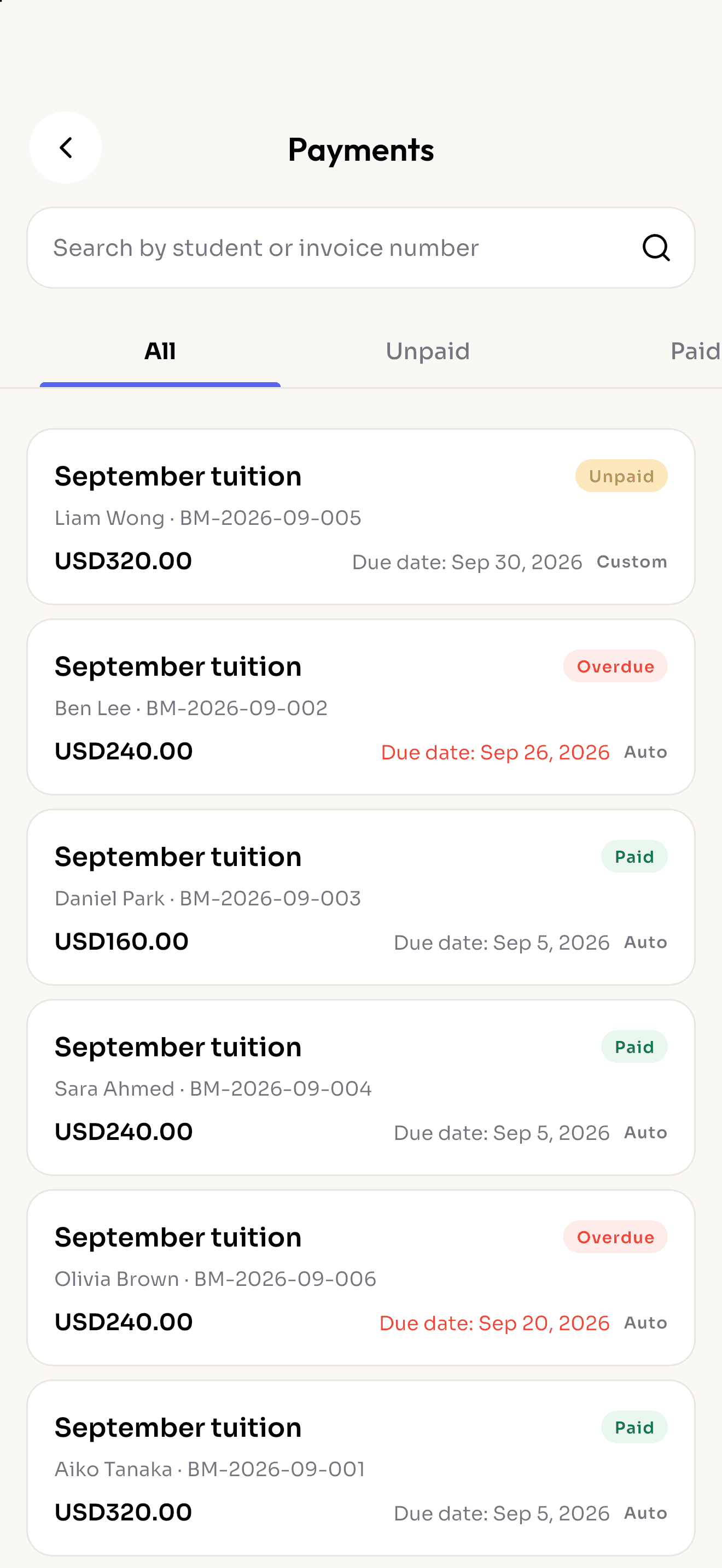
Learn more: Every class in one placeInvoices are created automatically each period, and students are always notified when it's time to pay.
Learn more: Payments that run themselvesEach student gets a personal QR code, their upcoming classes and their remaining session credits, right on their phone.
Learn more: Students carry their own passReal screens from Reclass on iPhone.
Every class,
under control
Plan classes
in minutes
Attendance
in one scan
Check in with
their QR
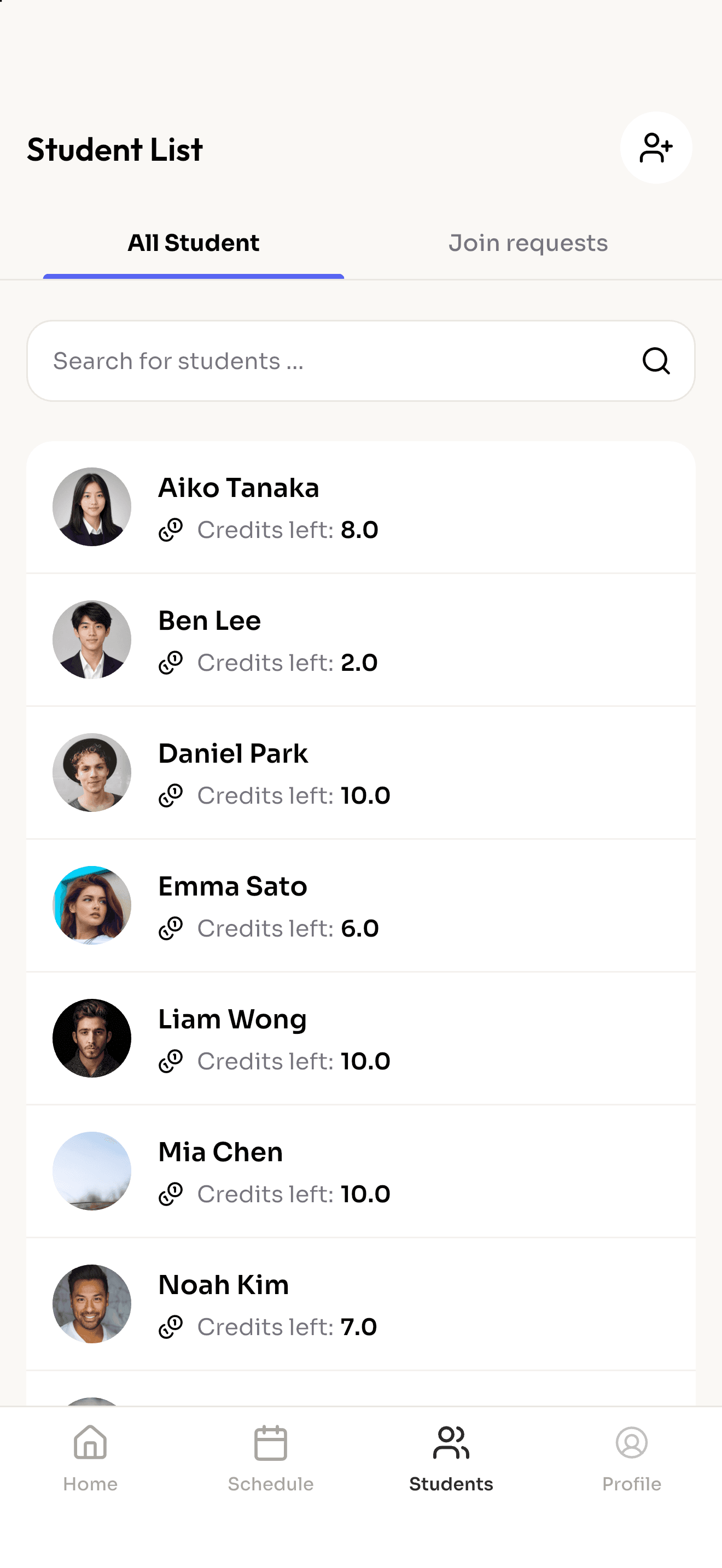
Know every
student
Get paid
on time
Reclass changes with who signs in.
The whole school on one screen.
Download Reclass and sign up as the owner. You start as the first admin and can teach classes too.
Share your school code. Teachers sign up, ask to join, and appear in your team once you approve them.
Create students, put them into groups and give each class its weekly day, time and room.
Students show their QR code at the door. Attendance and session credits update on their own.
iPhone, iPad and Android phones and tablets. On iPad you get a split view, with your list on the left and the details on the right.
Not yet. Everything happens in the mobile and tablet app, for staff and students alike.
Students who sign in get their schedule, credit balance, invoices and QR code. For younger students without a phone, teachers can mark attendance by hand.
You decide. Admins can let teachers see all students, or only the students they actually teach.
English, Bahasa Indonesia, Traditional Chinese and Simplified Chinese. Each person picks their own language in the app.
Download the app, create your school and share the code with your teachers.